mirror of
https://github.com/FlippieHacks/FlipperZeroEuropeanPortals.git
synced 2025-12-12 07:40:27 -08:00

FlipperZeroEuropeanPortals
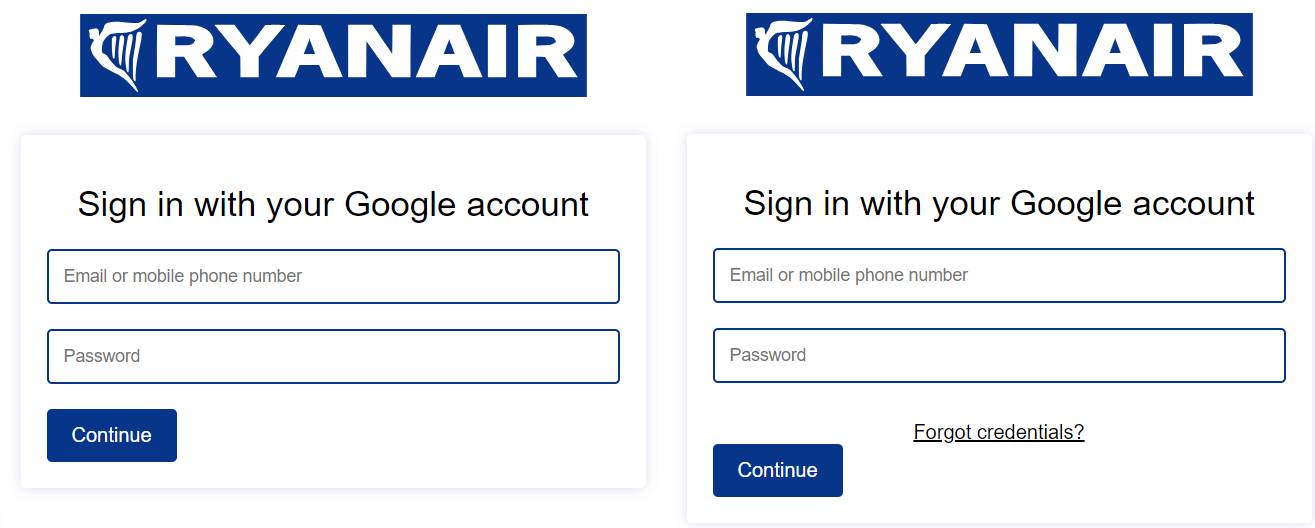
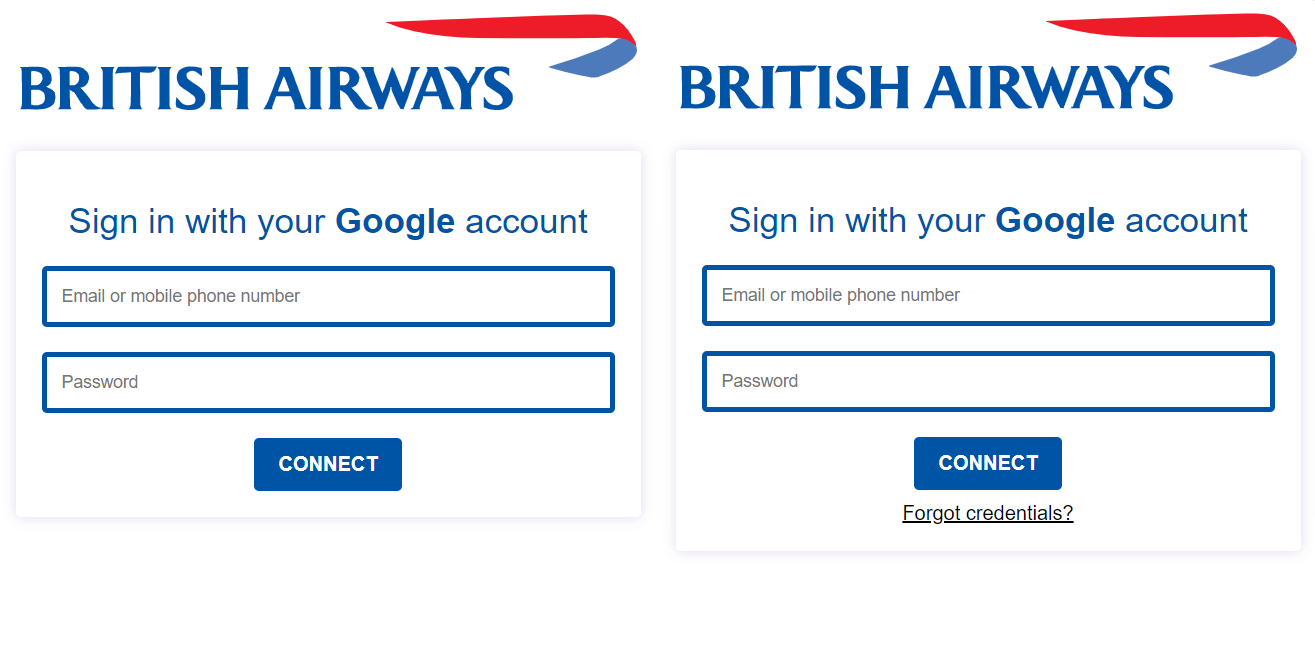
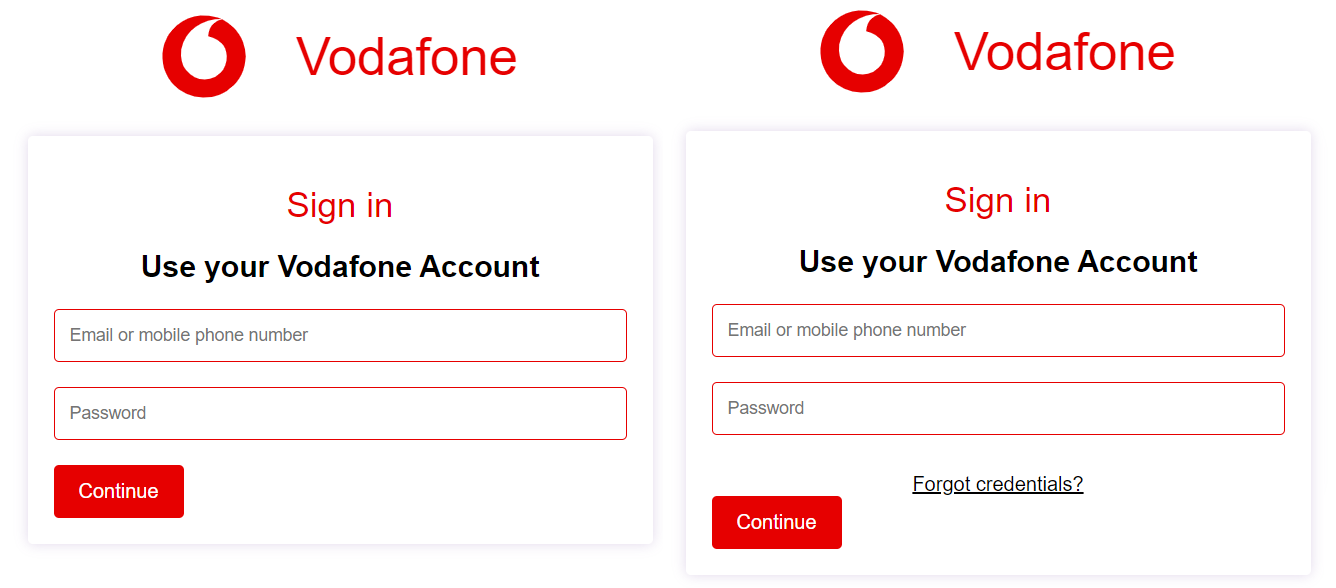
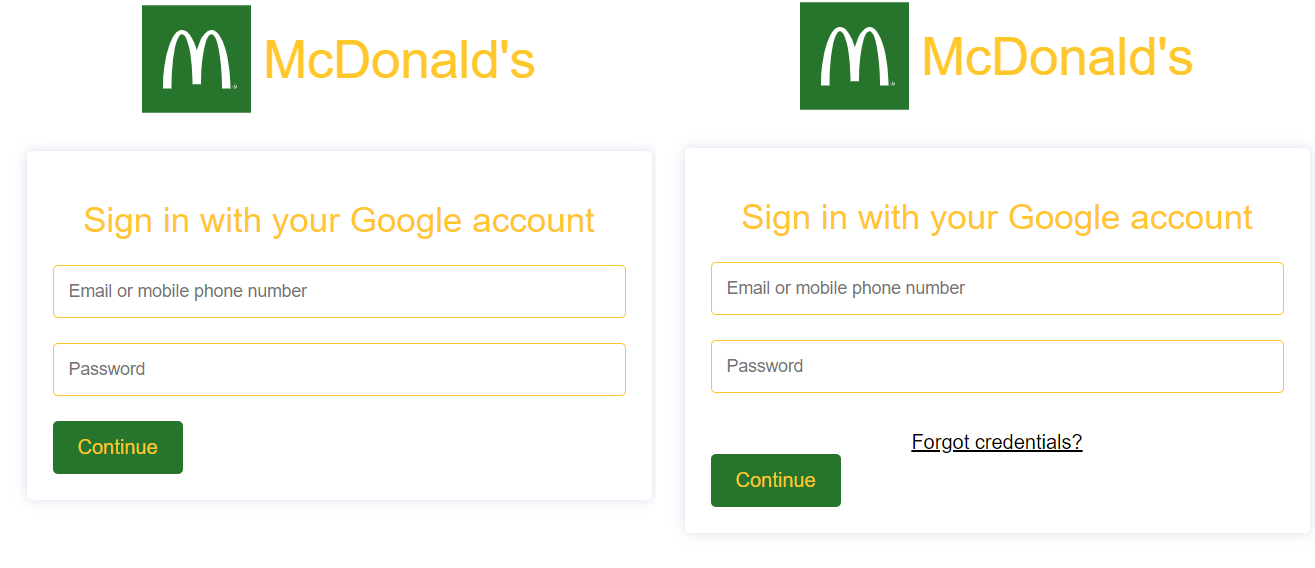
A repository of +55 (and counting) portals I made for the Evil Portal app on the Flipper Zero.
DISCLAIMER: This is for educational purposes only. Not to be used on unaware victims. You could be arrested for it, that's a crime.
You can start building your own portals easily with this script I made
Extract the log-in data much faster with these scripts
UPDATE 12-08-2023:
- Added WiFi Routers folder
- Added +15 more portals (mostly airlines, hotels and railway companies across Europe)
UPDATE 16-08-2023:
- Added Brands folder
- Added Gyms folder
- Added Theme parks folder
I will be working on more and am open for suggestions! -> r/u/FlippieHacks
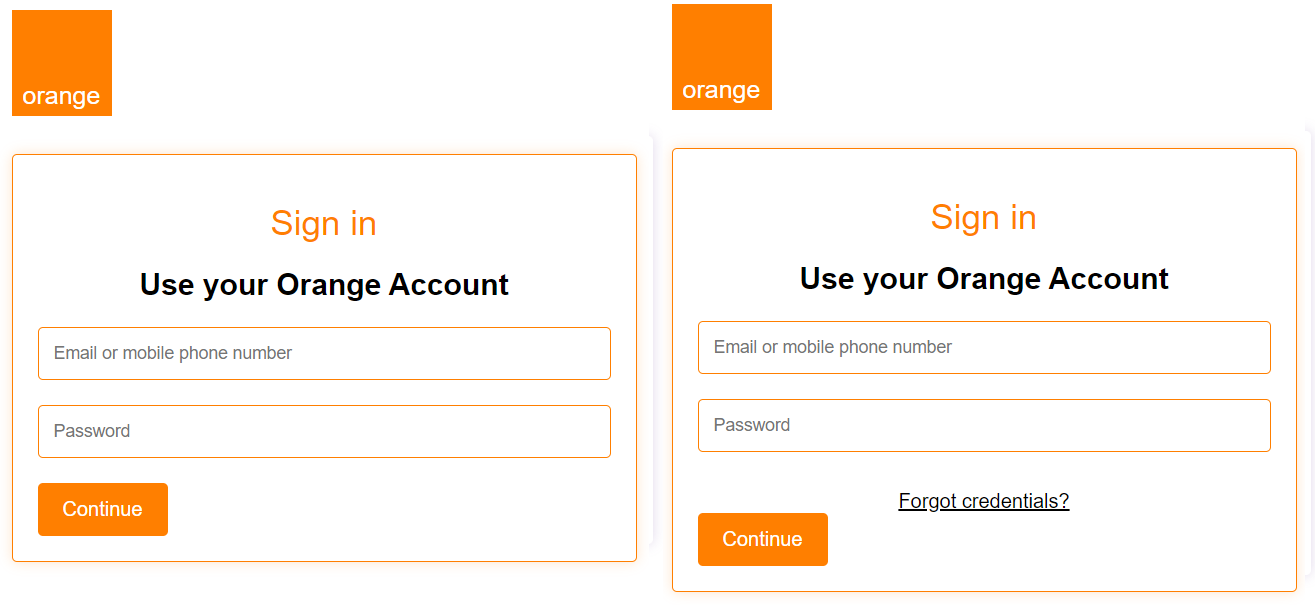
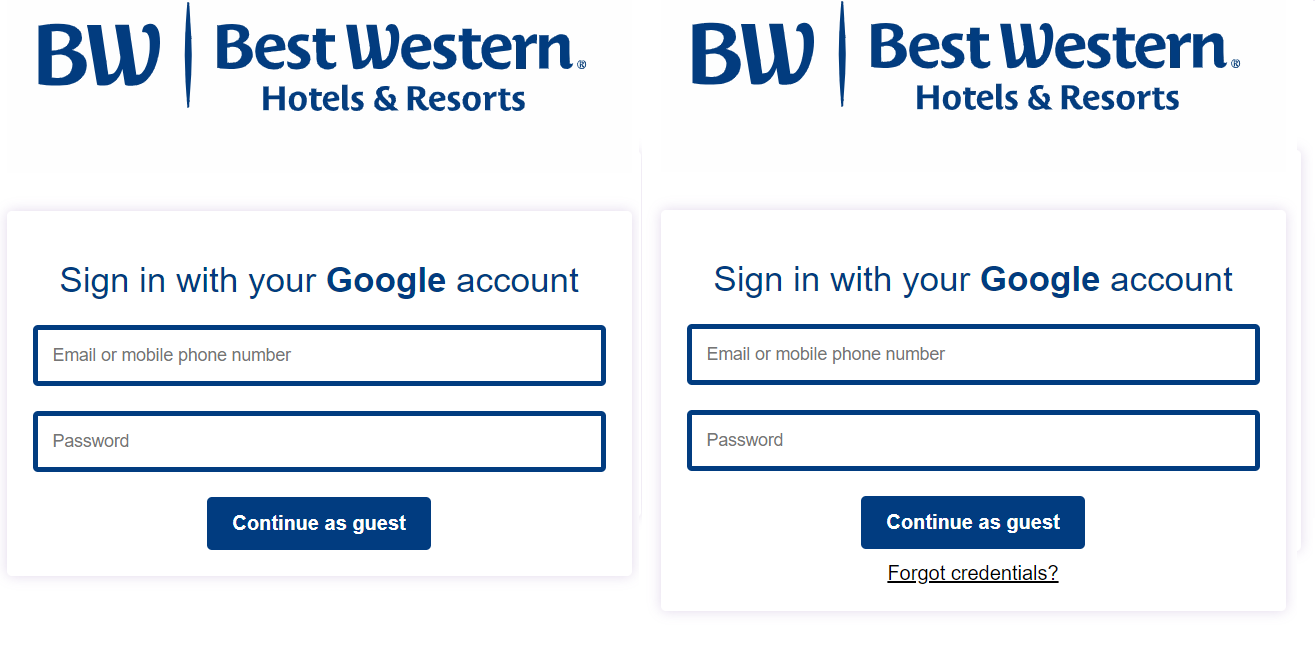
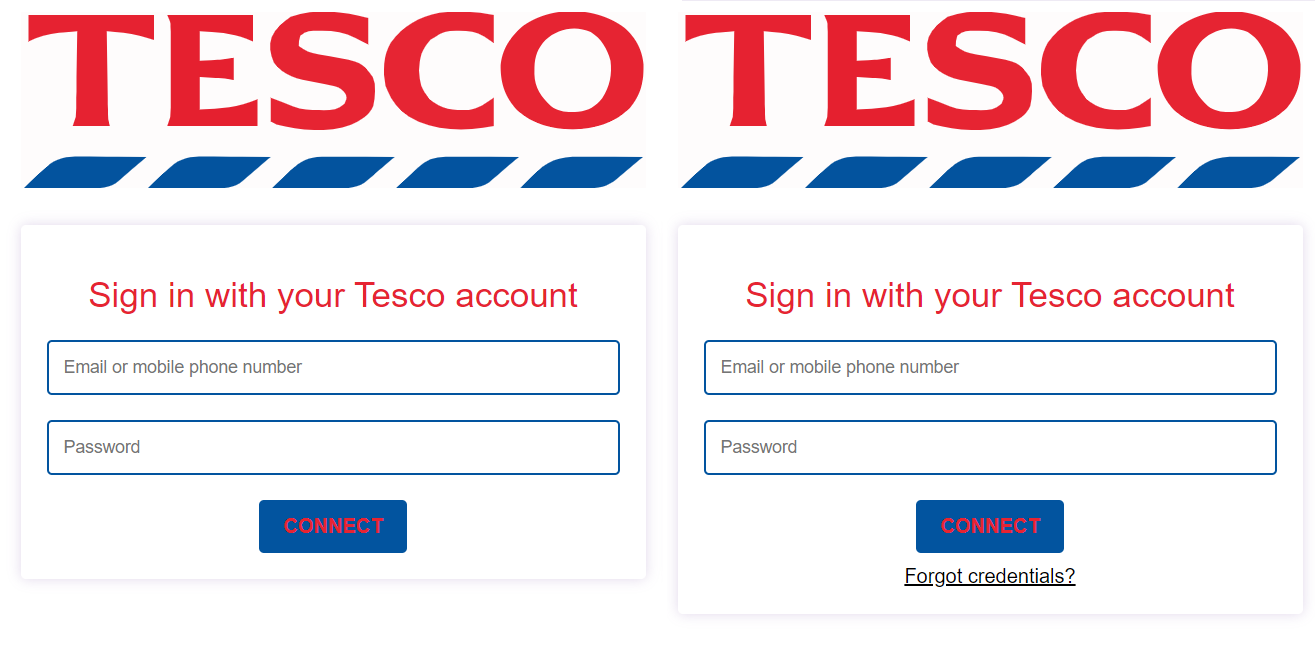
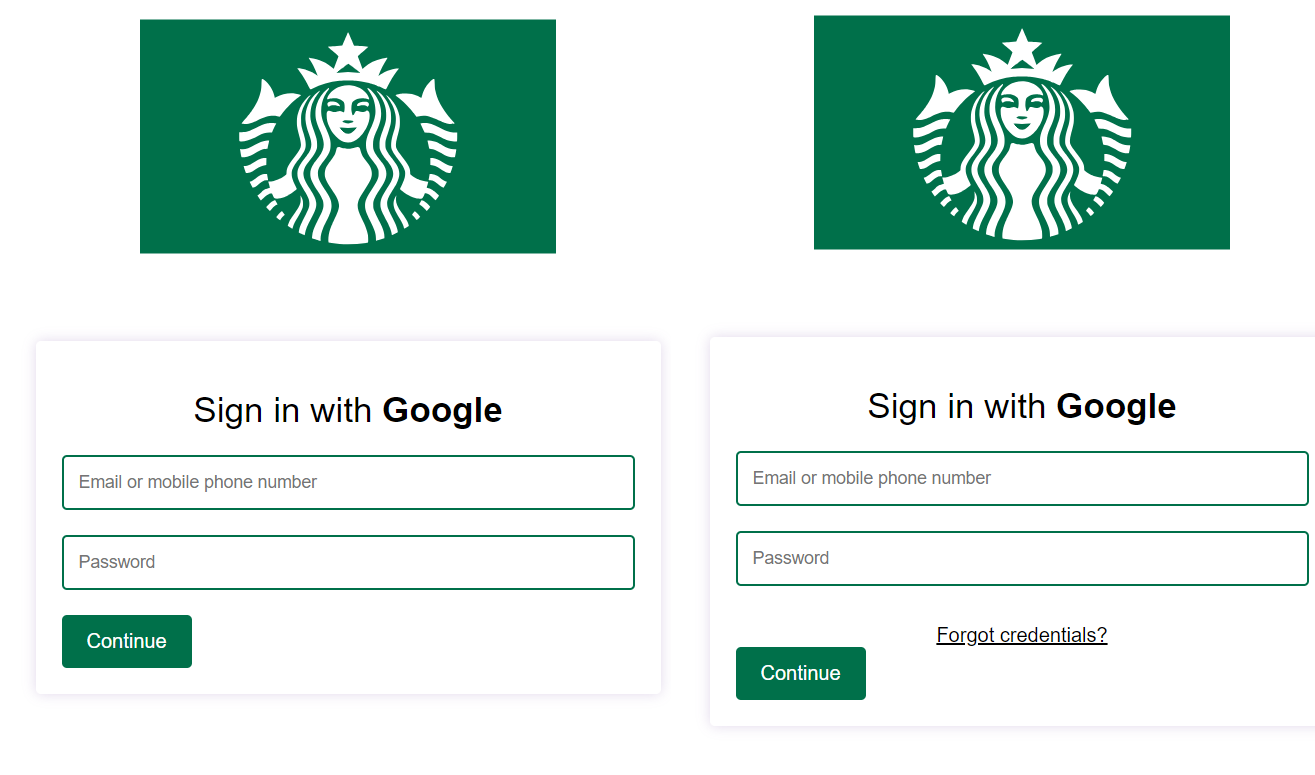
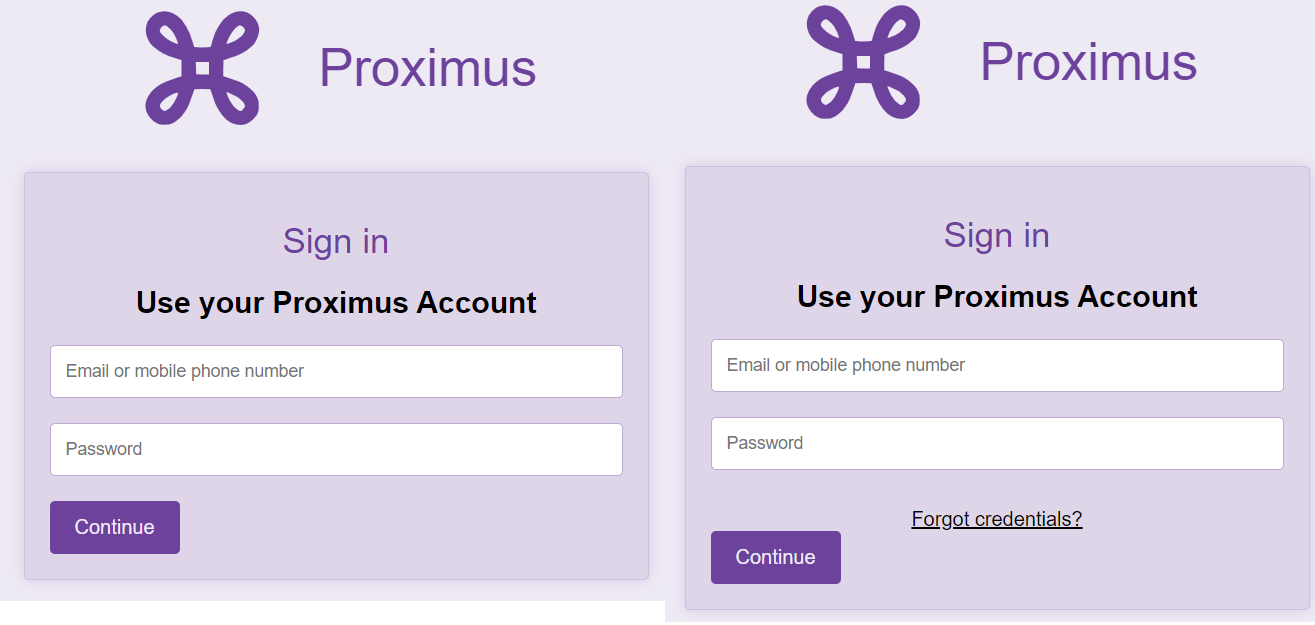
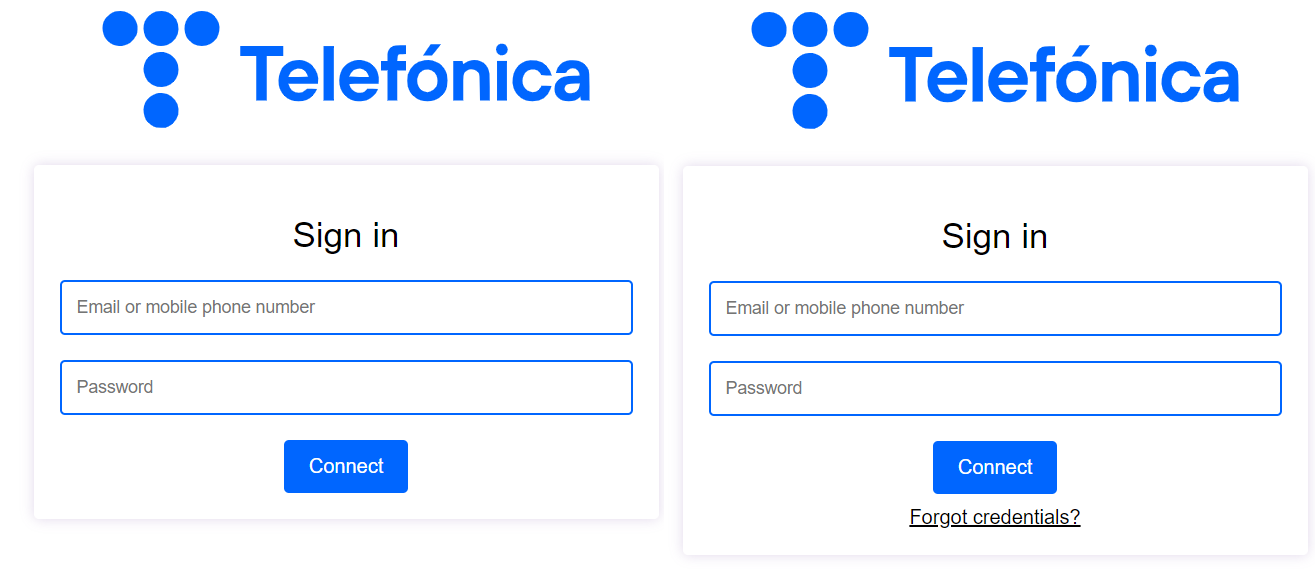
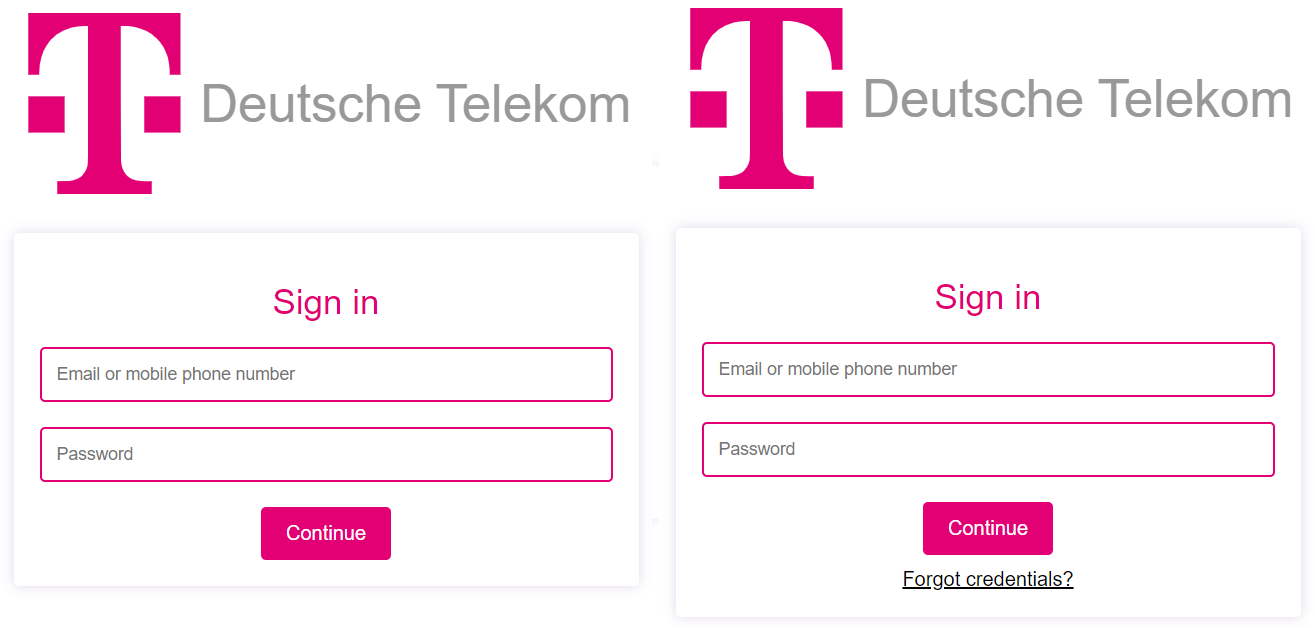
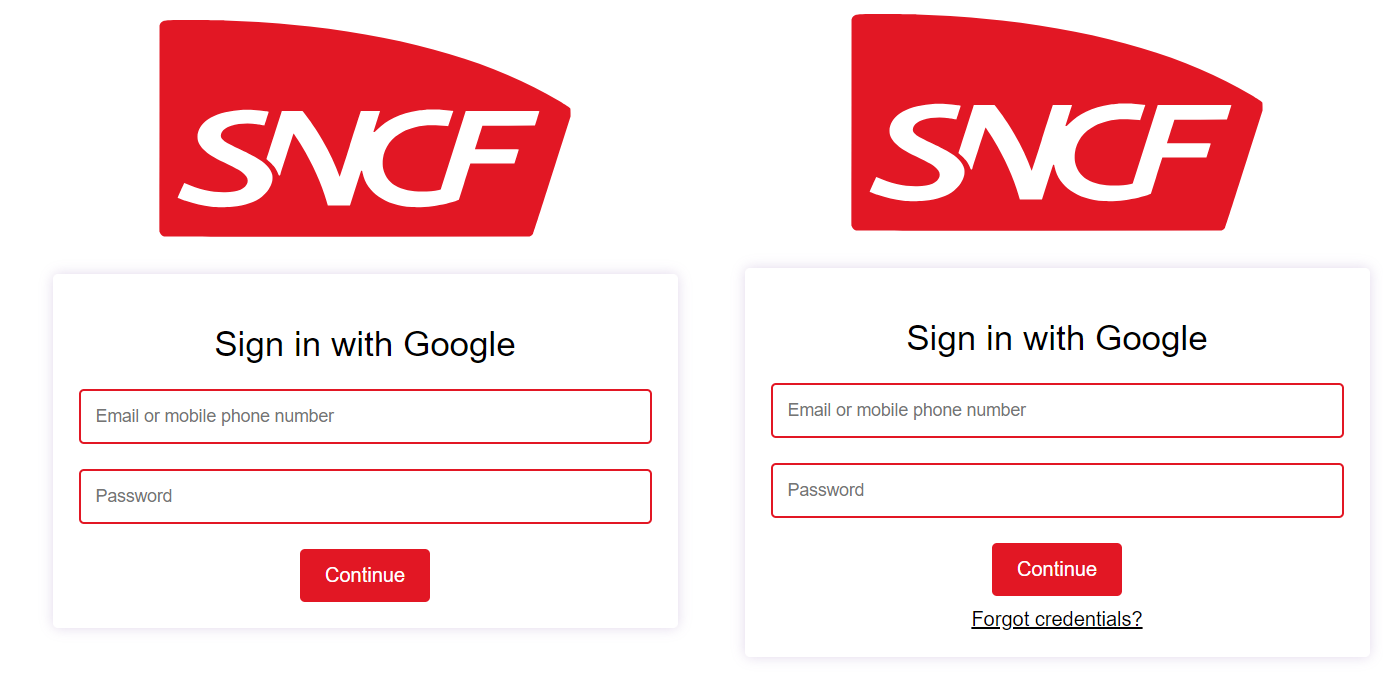
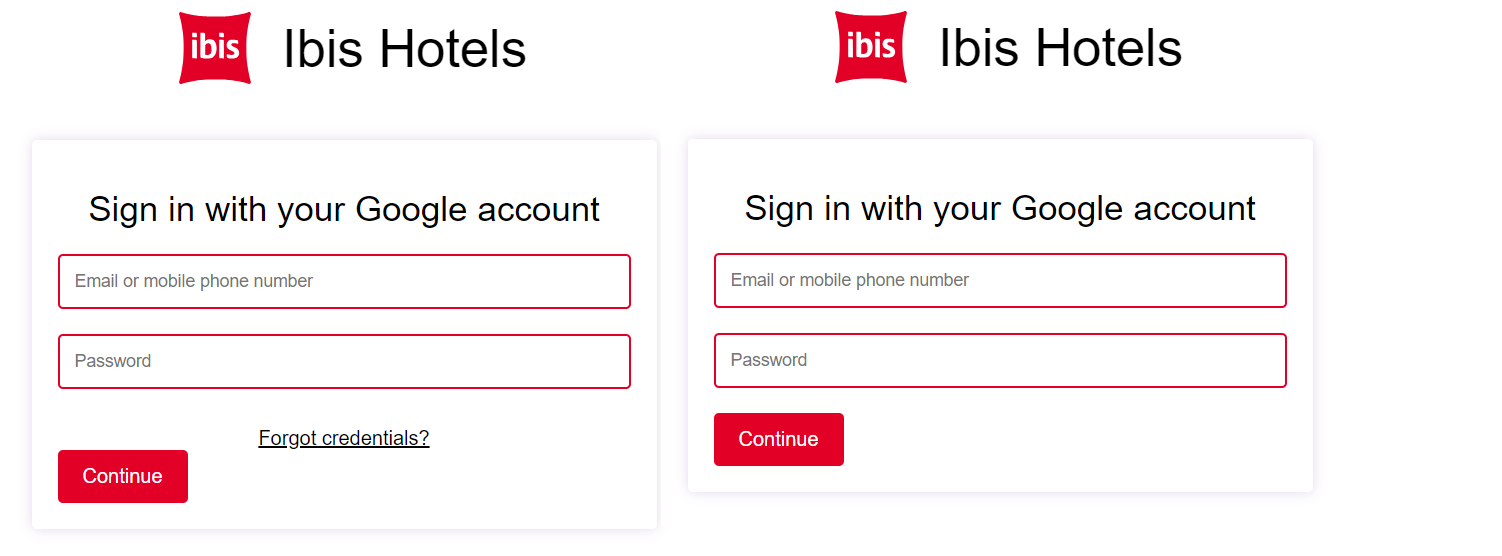
!! THERE ARE TWO VERSIONS FOR EACH PORTAL !!
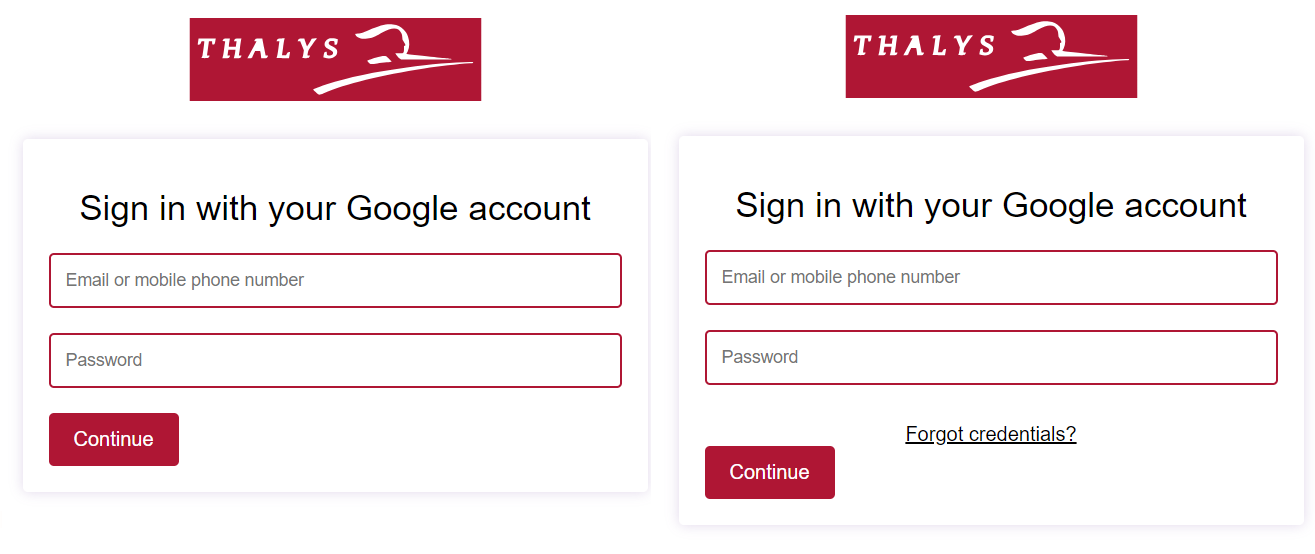
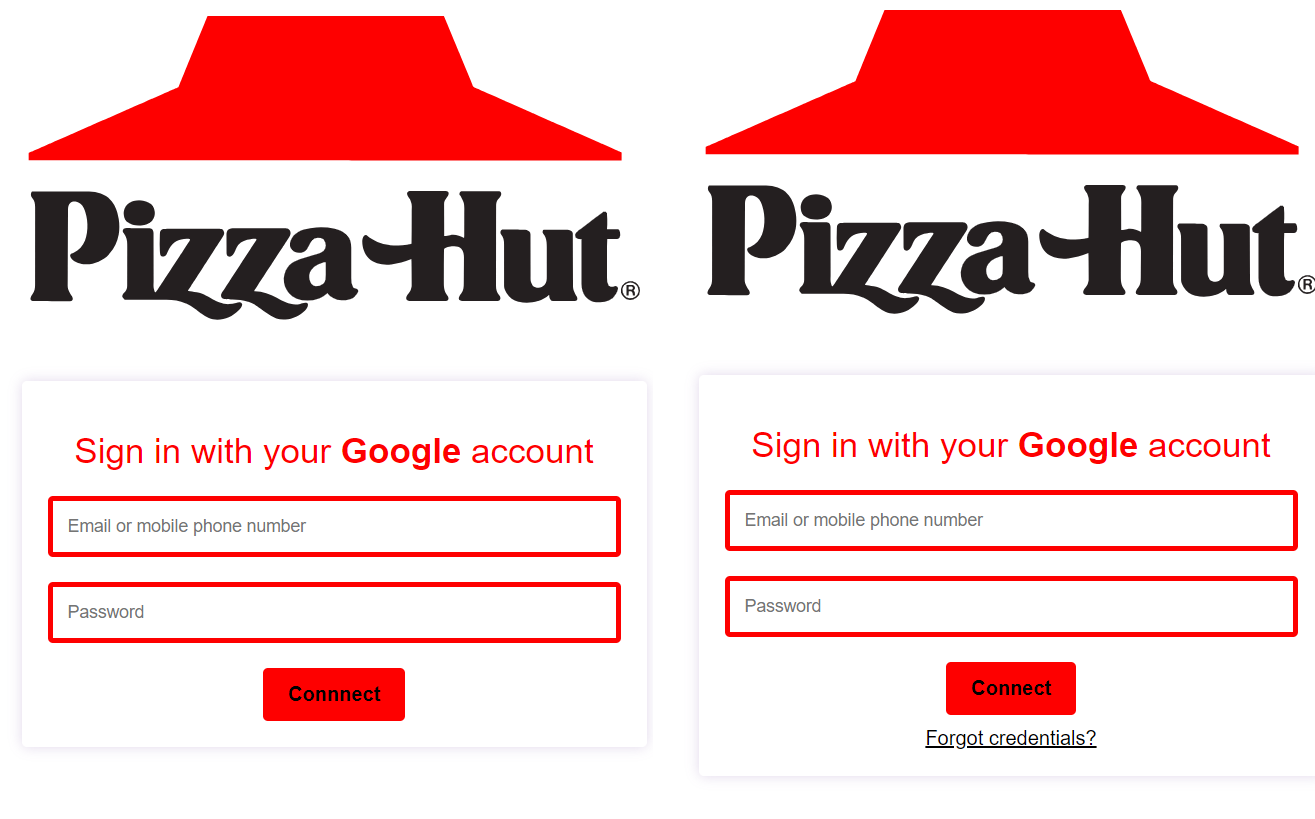
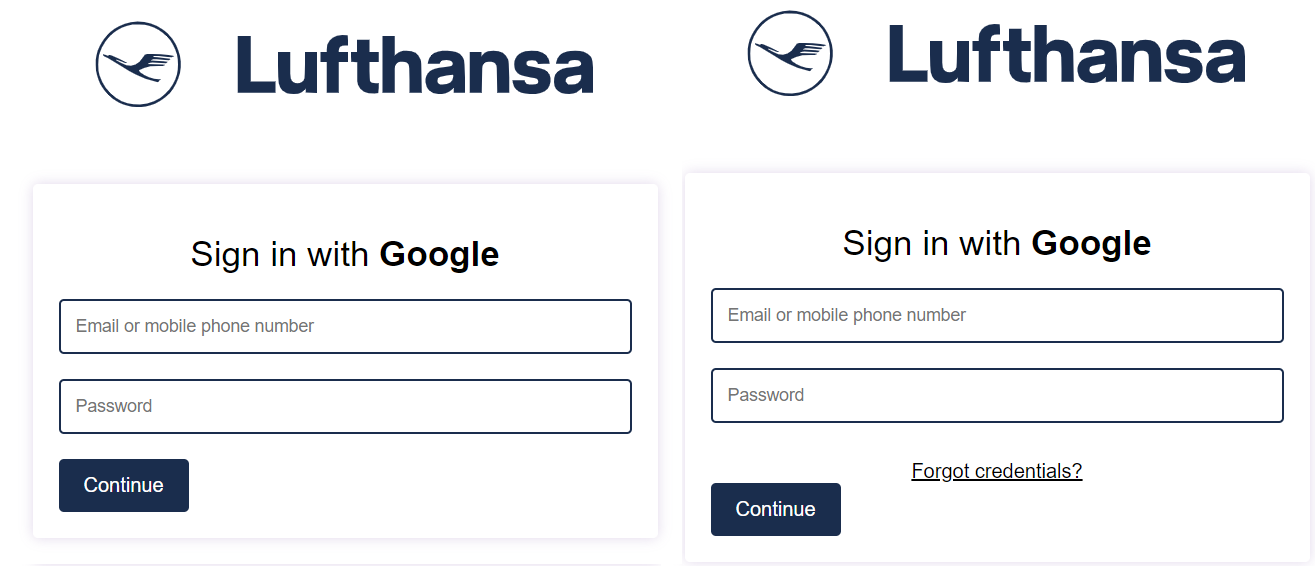
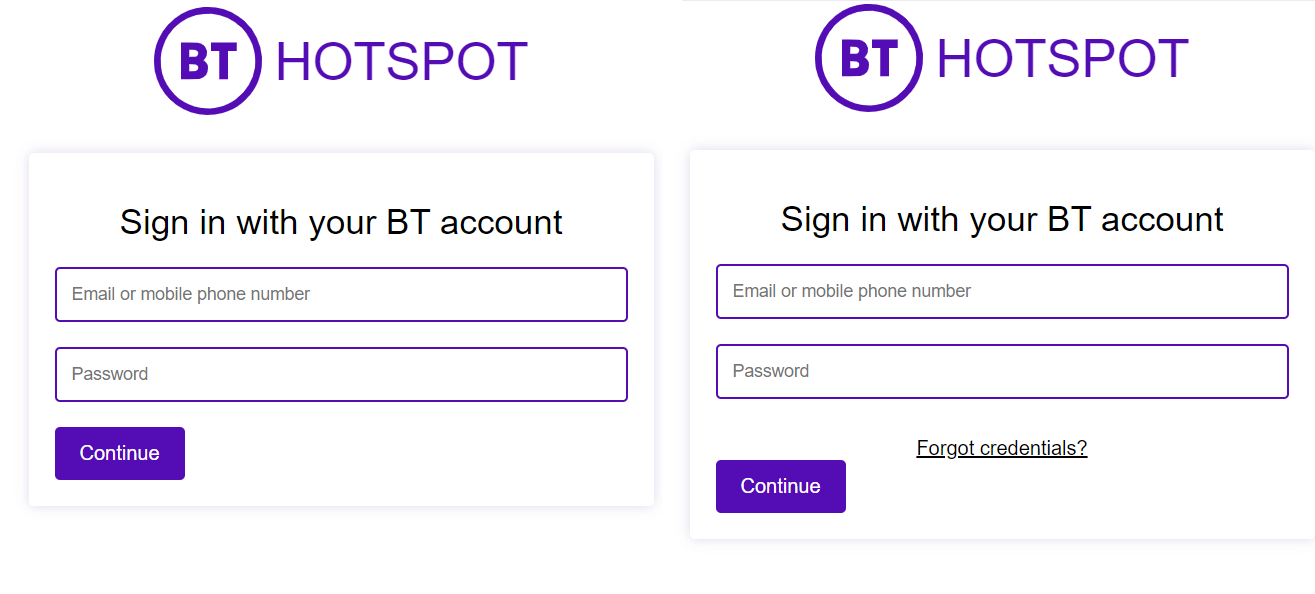
- One has a fake "Forgot credentials" button that will invite people to go to their provider's app if they forgot their creds. Makes it seem a bit more legit and shows off the capabilities of such portals.
- The other doesn't have this option, simply
!! Some country-specific portals also exist in their countries' language !!
How to Use
If you do not know how to use this great app which is Evil Portal, watch Talking Sasquach's tutorial here.
In a nutshell, after installing Evil Portal on your Flipper (can be done easily through flipc or even on the official App Store):
- Open QFlipper
- Browse to SD Card > apps_data > evil_portal
- Upload the ap.config.txt and index.html file from the portal you want to use YOU ONLY UPLOAD THE FILES FROM THE ONE PORTAL YOU WANT TO USE AT THAT POINT IN TIME! Unfortunately, you have to do this every time you want to switch the portal you use.
- Start Portal in the Evil Portal app using a WiFi dev board (official or not, doesn't matter)
- The portal you will see by connecting to your access point will be the one for the provider you uploaded the files from!
Customization
- If you want to change the Access Point's name, you can do it simply by editing the
ap.config.txtfile. The text in there will be the AP name. - You can also tweak the indexes a bit if you know some HTML. There is some Javascript on the "ForgotCredentials" files but nothing even a noob can't handle.
Happy flippin'
Some of the portals: